HELP CENTERHelp Center home ↗
For Roku members
Set up IBO
on your Roku.
Find the correct app, install it, and send us your device details to request activation.
01 · Find the app
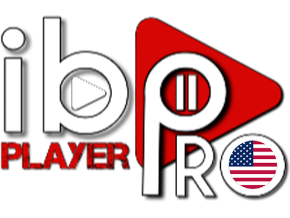
Look for this logo.
On your Roku device, search for IBO Player Pro. Look for the app with the logo shown here, including the U.S. flag.
Install the app, then open it to find your MAC address and device code.
02 · Request activation
Send your device details.
Enter the MAC address and device code shown in the app into our activation portal. Copy them exactly as they appear, then submit your request.
Open activation portal ↗
Activation requests are handled during the hours shown on the portal.